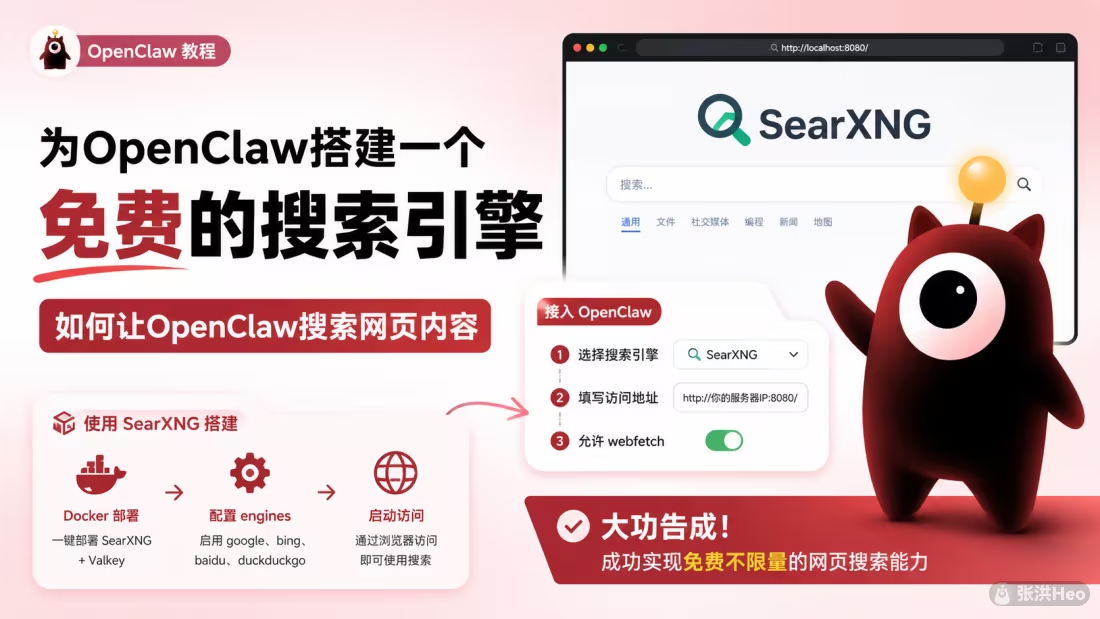
这篇文章介绍了如何用 SearXNG 搭建免费开源的自建搜索引擎,替代之前频繁触发限流的 DuckDuckGo。文章通过 Docker Compose 方式部署 SearXNG 和 Valkey 缓存服务,配置了 Google、Bing、百度、DuckDuckgo 四个搜索引擎,并详细说明了配置文件的编写要点,包括 secret_key 设置、搜索格式、UI 等参数。部署完成后通过 OpenClaw 的配置命令将 SearXNG 接入为默认搜索引擎,实现了免费不限量的网页搜索能力,无需依赖第三方 API。
说到弄搜索真的是头大,之前用的duckduckgo,但是老触发限流。

寻找了一番,有一个免费开源的搜索可以去搭建。就是用SearXNG。
Docker Compose 部署
这个项目支持docker部署,文件参考:
1
2
3
4
5
6
7
8
9
10
11
12
13
14
15
16
17
18
19
20
21
22
23
24
25
26
27
28
29
30
31
32
33
34
35
36
37
38
39
40
41
42
43
44
45
46
| services:
searxng:
image: docker.io/searxng/searxng:latest
container_name: searxng
restart: unless-stopped
ports:
- "8080:8080"
environment:
- SEARXNG_BASE_URL=http://localhost:8080/
- SEARXNG_VALKEY_URL=valkey://valkey:6379/0
- FORCE_OWNERSHIP=true
volumes:
- ./core-config:/etc/searxng:rw
- searxng-cache:/var/cache/searxng
depends_on:
- valkey
networks:
heo_global_network:
ipv4_address: 172.168.0.16
valkey:
image: docker.io/valkey/valkey:9-alpine
container_name: searxng-valkey
restart: unless-stopped
command: valkey-server --save 30 1 --loglevel warning
volumes:
- valkey-data:/data
networks:
heo_global_network:
ipv4_address: 172.168.0.17
volumes:
searxng-cache:
valkey-data:
networks:
heo_global_network:
external: true
|
然后再在文件夹内创建子文件夹core-config,内容参考
1
2
3
4
5
6
7
8
9
10
11
12
13
14
15
16
17
18
19
20
21
22
23
24
25
26
27
28
29
30
31
32
33
34
35
36
37
38
39
40
41
42
43
44
| use_default_settings:
engines:
keep_only:
- google
- bing
- baidu
- duckduckgo
general:
debug: false
instance_name: "SearXNG"
search:
safe_search: 0
autocomplete: "duckduckgo"
formats:
- html
- json
server:
secret_key: "RiCP&KP59htN9FH"
limiter: false
image_proxy: true
valkey:
url: valkey://valkey:6379/0
ui:
static_use_hash: true
engines:
- name: google
disabled: false
- name: bing
disabled: false
- name: baidu
disabled: false
- name: duckduckgo
disabled: false
|
这里面的secret_key可以随便填写,建议填写一个复杂长密码。
然后在终端cd进目录执行docker-compose up -d即可。
启动成功
启动之后直接使用端口访问网页就能看到了。
接入到OpenClaw
在OpenClaw宿主机执行
1
| openclaw configure --section web
|
选择yes
选择SearXNG。
填写你的SearXNG访问地址。
允许webfetch
大功告成
成功实现免费不限量的网页搜索能力,不用再用第三方的api啦。